> ## Documentation Index
> Fetch the complete documentation index at: https://moengage-gr001-flows-limits.mintlify.site/llms.txt
> Use this file to discover all available pages before exploring further.
# Why Does Uploading .mp4 Files Fail?
> Resolve the filetype not allowed error when uploading .mp4 files in the MoEngage email editor. Convert videos to .gif or share them as links.
## Problem
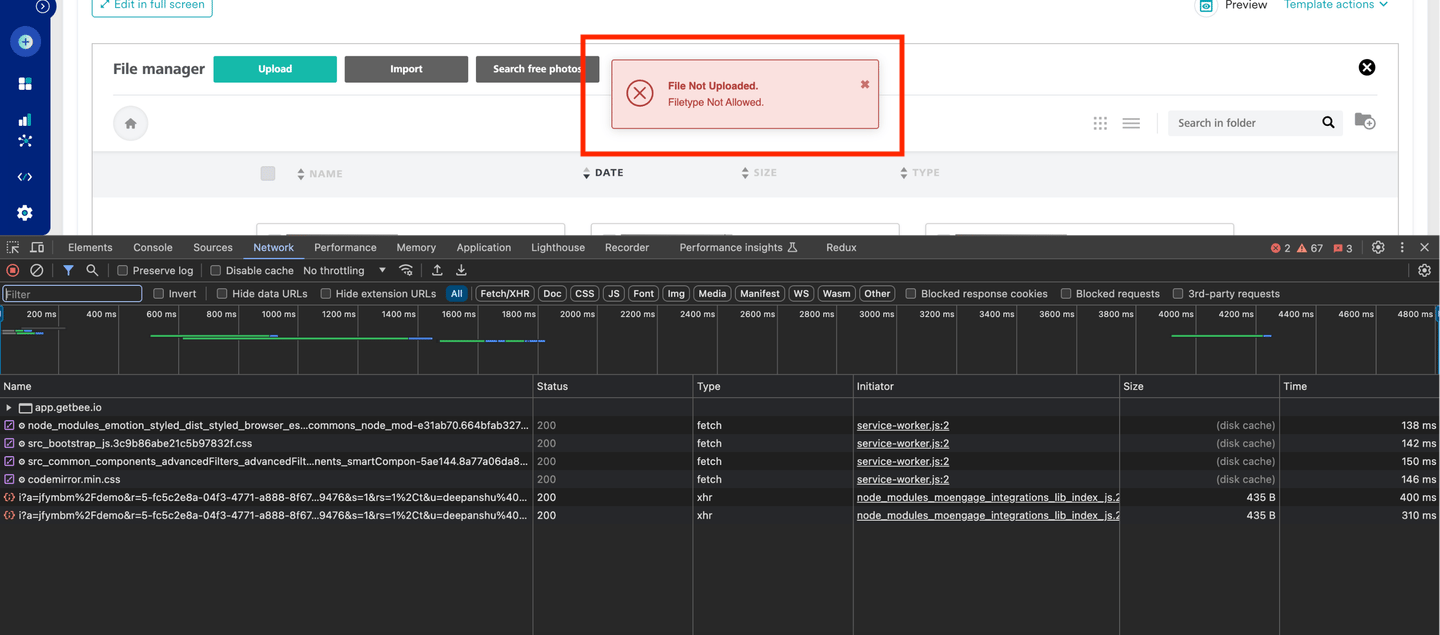
When you attempt to upload .mp4 files to the email editor's image block, the following message appears:
“File Not Uploaded. Filetype Not Allowed”
 ## Solution
Perform the following steps:
* Convert the .mp4 file to a .gif file and then upload it to resolve the issue.
* If you want to include .mp4 files in an email, you can have them as attachments or send them using a link in the email.
MoEngage does not support .mp4 files.
## Solution
Perform the following steps:
* Convert the .mp4 file to a .gif file and then upload it to resolve the issue.
* If you want to include .mp4 files in an email, you can have them as attachments or send them using a link in the email.
MoEngage does not support .mp4 files.