> ## Documentation Index
> Fetch the complete documentation index at: https://moengage-gr001-flows-limits.mintlify.site/llms.txt
> Use this file to discover all available pages before exploring further.
# Why Do the Unsubscribed Numbers Remain Unchanged for Total and Unique Occurrences?
> In MoEngage email stats, unsubscribed counts display only total values. Separate total and unique breakdowns apply only to opens, clicks, and conversions.
## Problem
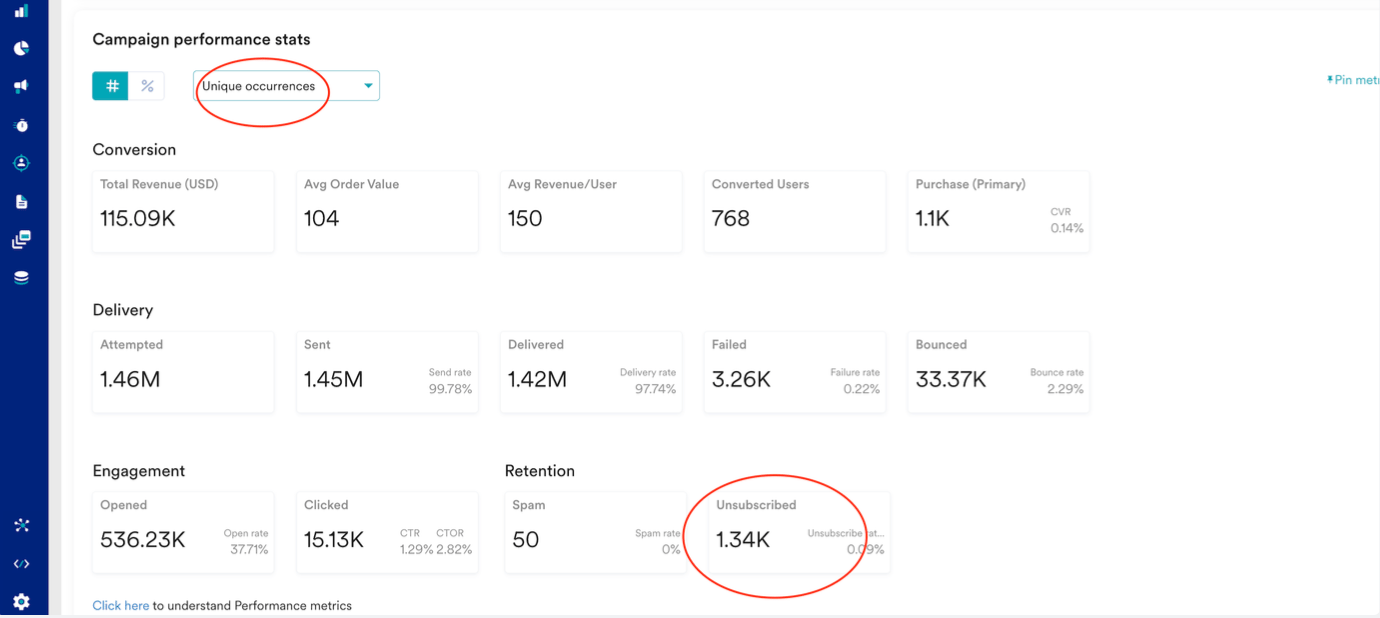
The unsubscribed numbers in the Email campaign stats do not show any difference between the total and unique occurrences.
** **
##
**
##  ## Solution
* Only open, click, and conversion metrics have separate total and unique values.
* Unsubscribed fields and other fields will only display the total value, regardless of whether the metric selected is unique or total.
## Example
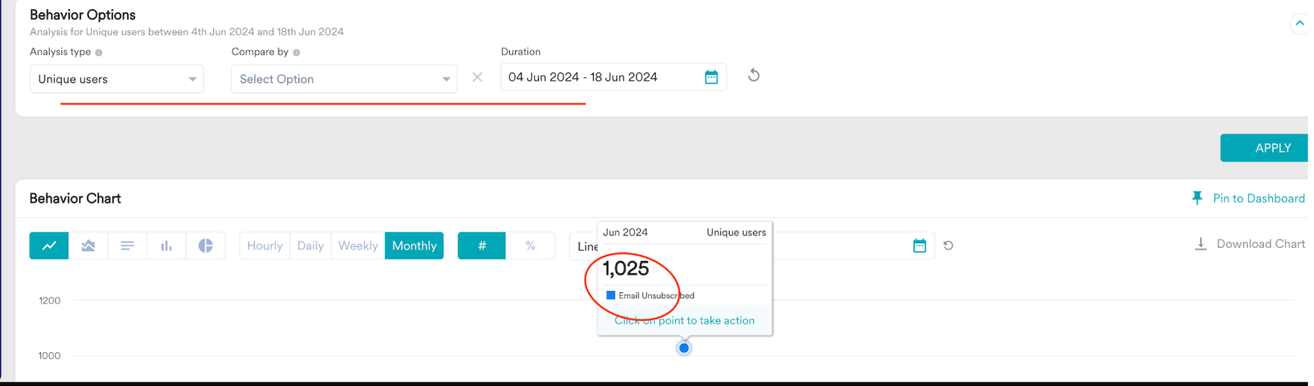
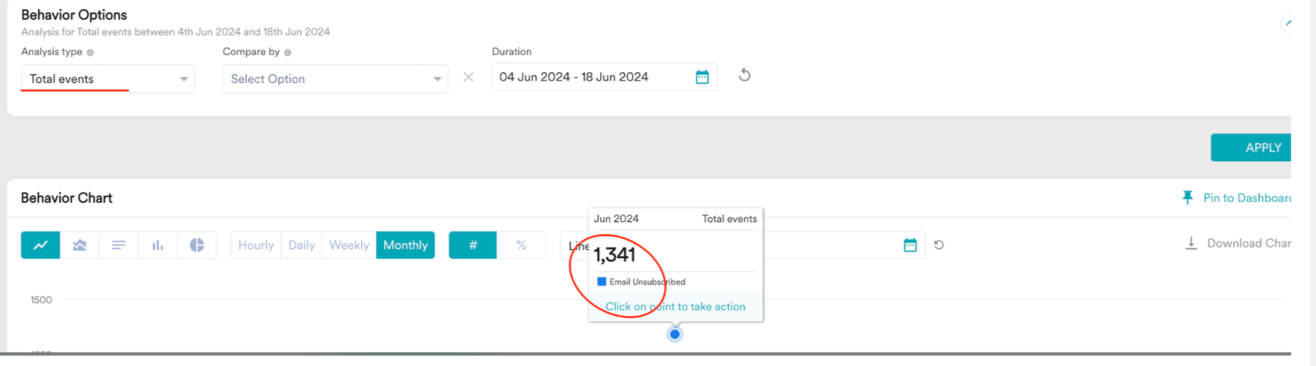
The total count of unsubscribed events in behavior analytics for a particular campaign is 1.34K, while the unique count of user behaviors is 1.02K.
## Solution
* Only open, click, and conversion metrics have separate total and unique values.
* Unsubscribed fields and other fields will only display the total value, regardless of whether the metric selected is unique or total.
## Example
The total count of unsubscribed events in behavior analytics for a particular campaign is 1.34K, while the unique count of user behaviors is 1.02K.
 ##
##